| .. | ||
| .cargo | ||
| .pipelines | ||
| .vscode | ||
| assets | ||
| benches | ||
| src | ||
| tools/grapheme-table-gen | ||
| .gitignore | ||
| build.rs | ||
| Cargo.lock | ||
| Cargo.toml | ||
| CODE_OF_CONDUCT.md | ||
| CONTRIBUTING.md | ||
| edit.nix | ||
| flake.lock | ||
| flake.nix | ||
| hi.nix | ||
| LICENSE | ||
| README.md | ||
| result | ||
| rustfmt.toml | ||
| SECURITY.md | ||

 Edit
Edit
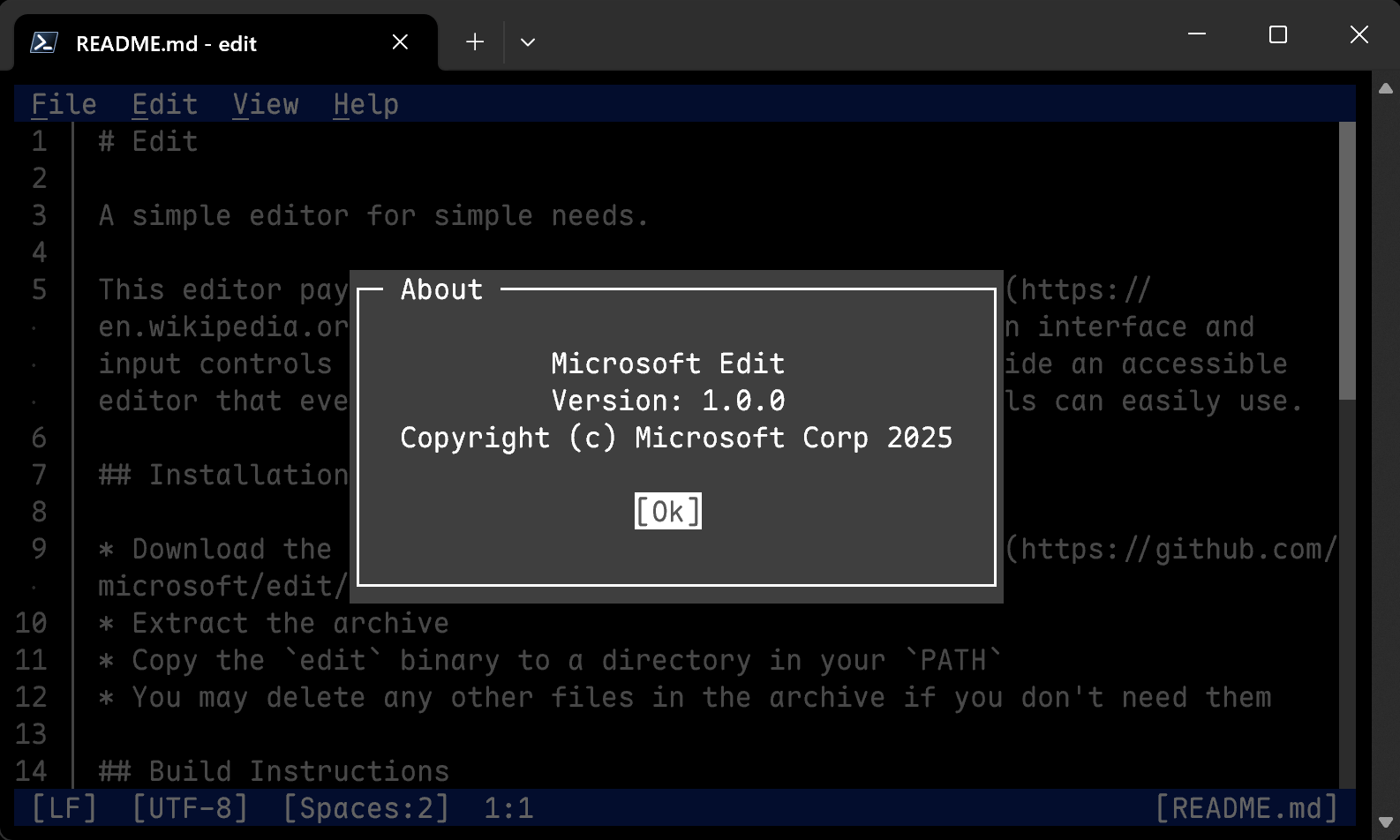
A simple editor for simple needs.
This editor pays homage to the classic MS-DOS Editor, but with a modern interface and input controls similar to VS Code. The goal is to provide an accessible editor that even users largely unfamiliar with terminals can easily use.
Installation
- Download the latest release from our releases page
- Extract the archive
- Copy the
editbinary to a directory in yourPATH - You may delete any other files in the archive if you don't need them
Build Instructions
- Install Rust
- Install the nightly toolchain:
rustup install nightly- Alternatively, set the environment variable
RUSTC_BOOTSTRAP=1
- Alternatively, set the environment variable
- Clone the repository
- For a release build, run:
cargo build --config .cargo/release.toml --release